Chat and compare answers
Ask questions, attach media, and compare several AI models side by side when you want a second opinion.
Chat, analyze media, create images and videos, and turn rough ideas into polished prompts — from one organized desktop app.
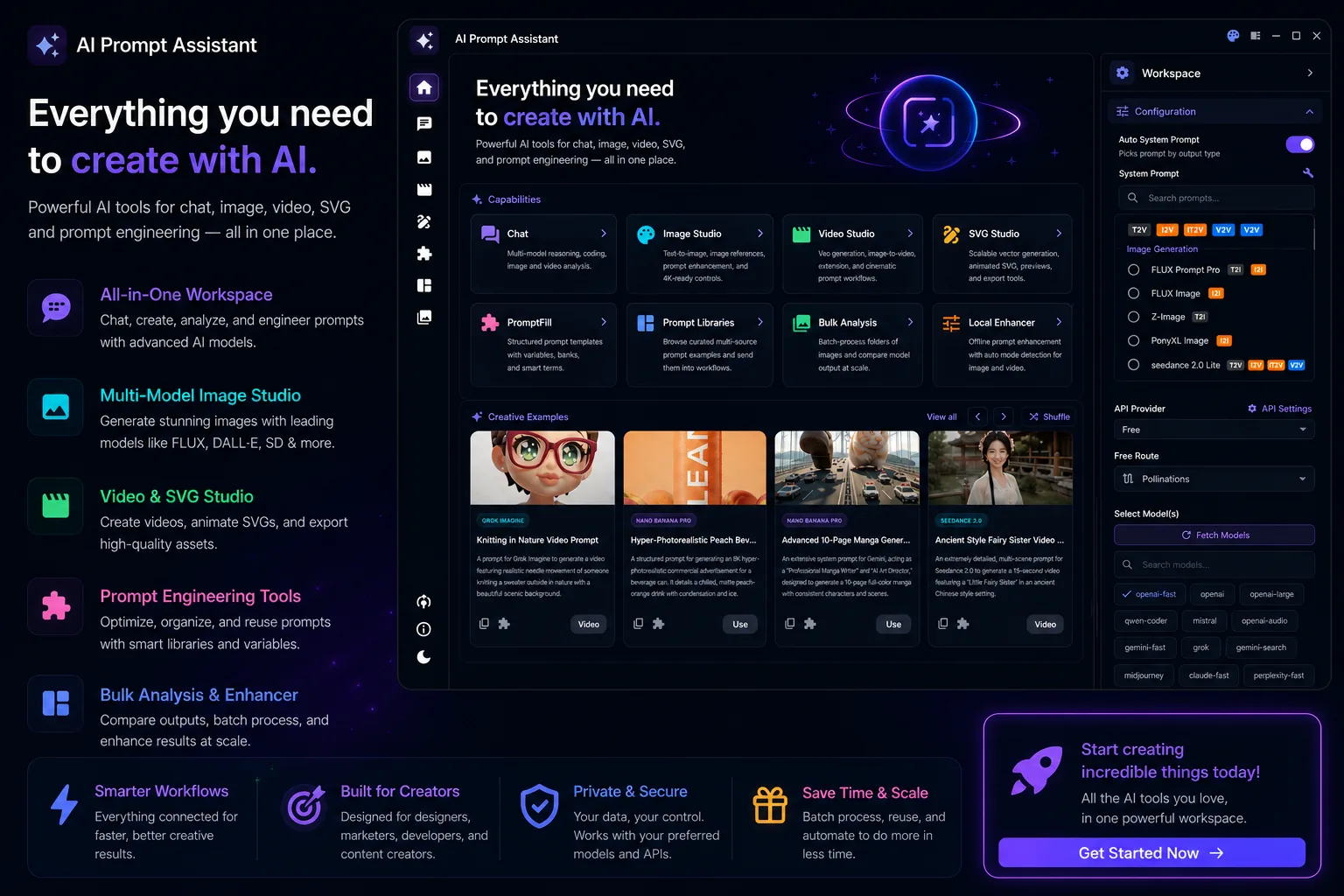
Creative work usually breaks on the small things: lost prompts, settings retyped from scratch, and files scattered across your downloads folder. Here is what changes.
| What you need | Scattered web tools | AI Prompt Assistant |
|---|---|---|
| Start without paying or adding an API key | Partly, and only per tool | Included |
| Chat, images, video, and prompts in one place | Not available | Included |
| Reusable prompt libraries and fill-in templates | Not available | Included |
| Process a whole folder in a single run | Not available | Included |
| Choose a free, local, or cloud provider | Partly, and only per tool | Included |
| Results and settings organized on your own computer | Not available | Included |
| Prompts tuned for each specific model you generate with | Not available | Included |
Comparison based on typical free web tools. What each provider offers can change over time.
Move from an idea to a finished image, video, description, or reusable prompt without switching between separate apps.
Ask questions, attach media, and compare several AI models side by side when you want a second opinion.
Turn media into captions, descriptions, tags, or detailed prompts that you can reuse.
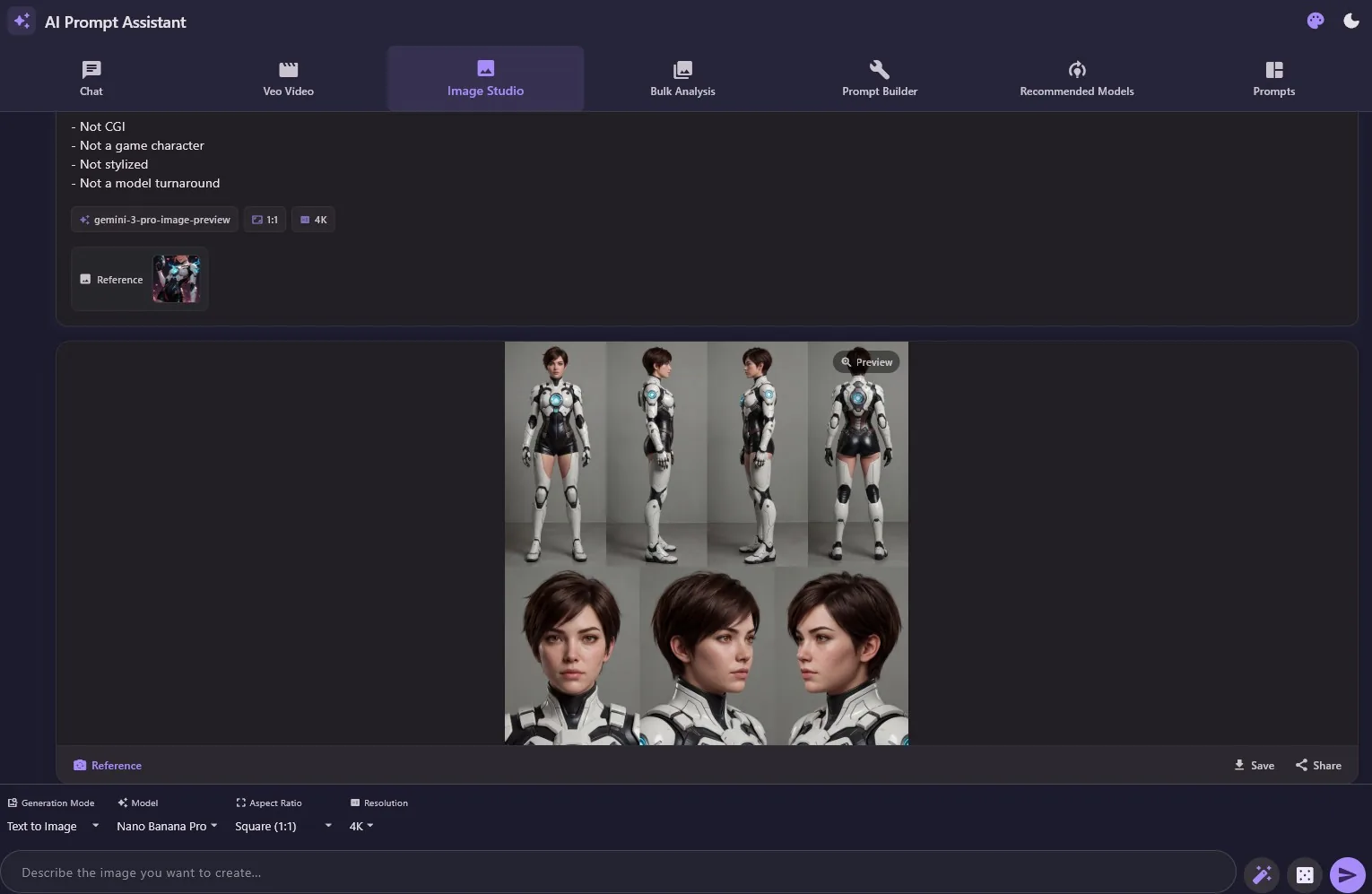
Generate images from text, work from references, choose sizes, and create new variations.
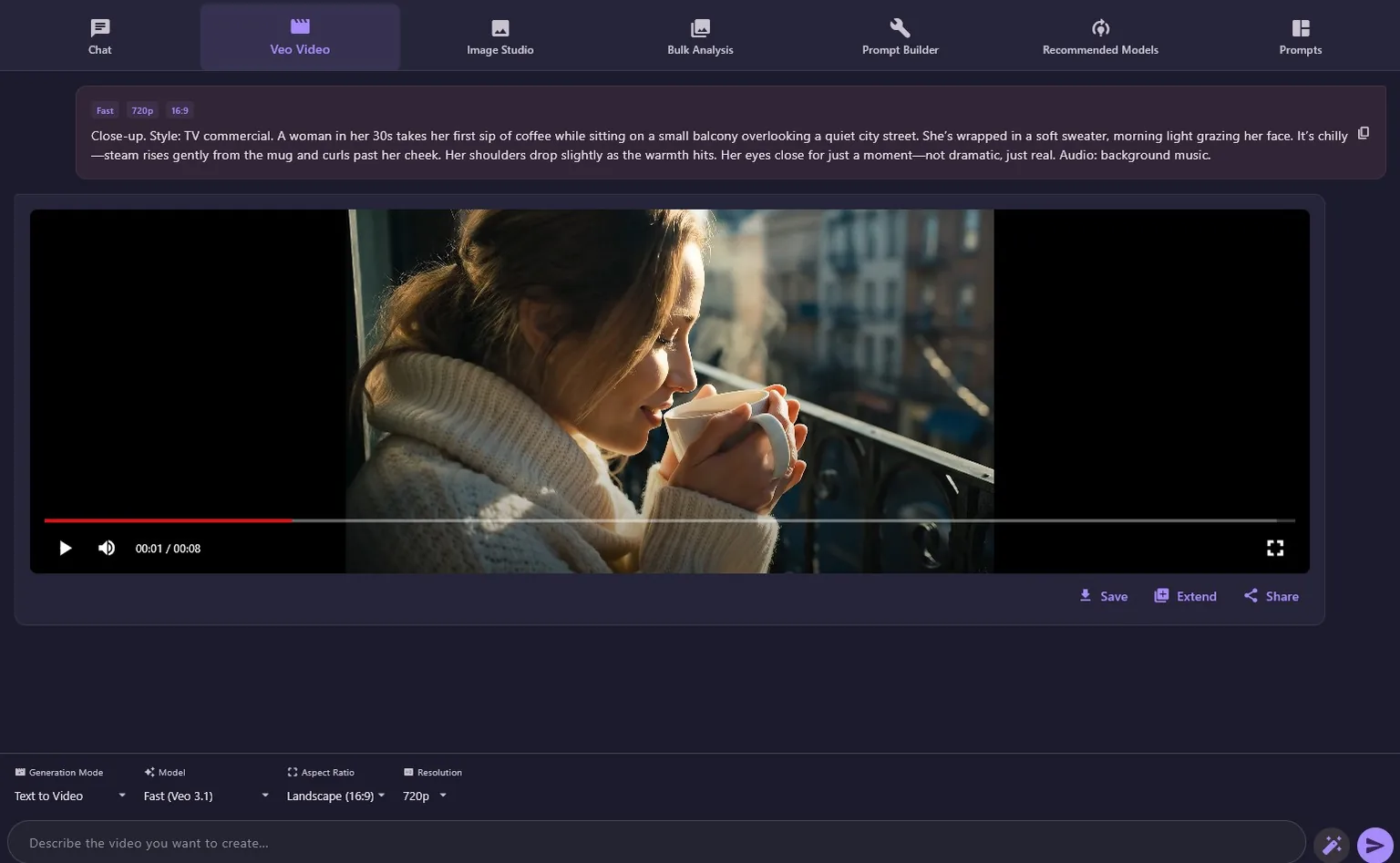
Create clips from text or images, continue an existing scene, and save the finished result.
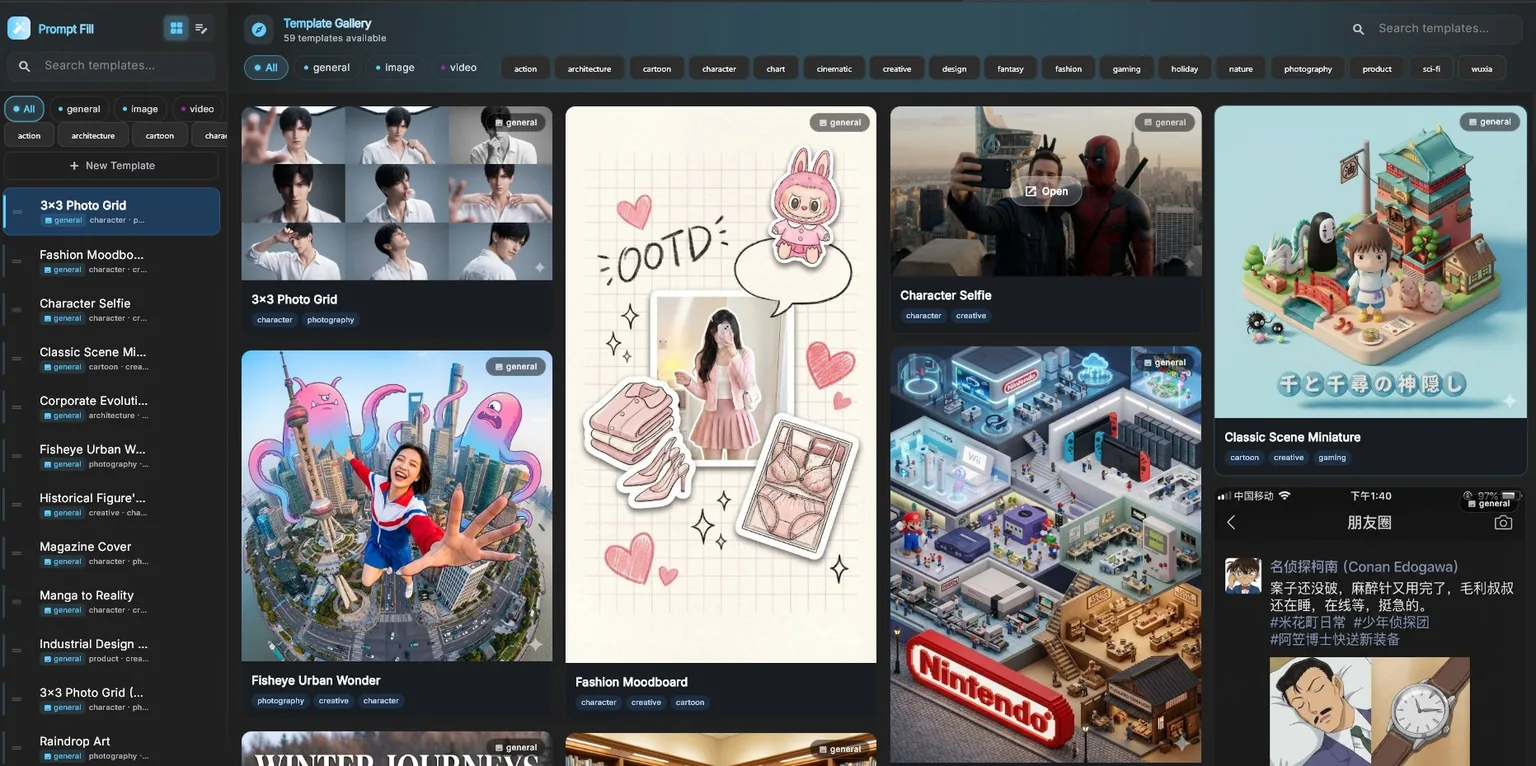
Search curated prompt libraries, preview examples, copy ideas, or send them into your workflow.
Use PromptFill to swap characters, styles, settings, and other variables without rewriting everything.
Shape camera, lighting, composition, motion, and style with guided controls and AI refinement.
Process folders in bulk, create static or animated SVG artwork, and export work in useful formats.
Every model expects prompts written a little differently. The app already knows each dialect, so the same idea comes out right whether you are prompting for an image, a video, audio, or a 3D asset.
Model support grows with every release, and new models are added as they launch.
Each studio keeps the important controls close while letting you reuse prompts, references, and results.
Describe what you want, add a reference when useful, and generate polished visuals with clear size and quality controls.
Browse visual templates and prompt collections, then make them your own with simple choices instead of starting from a blank box.
Create a new clip, animate a starting image, or extend a video while keeping the visual direction in one workspace.
Open any screenshot to see the full interface.
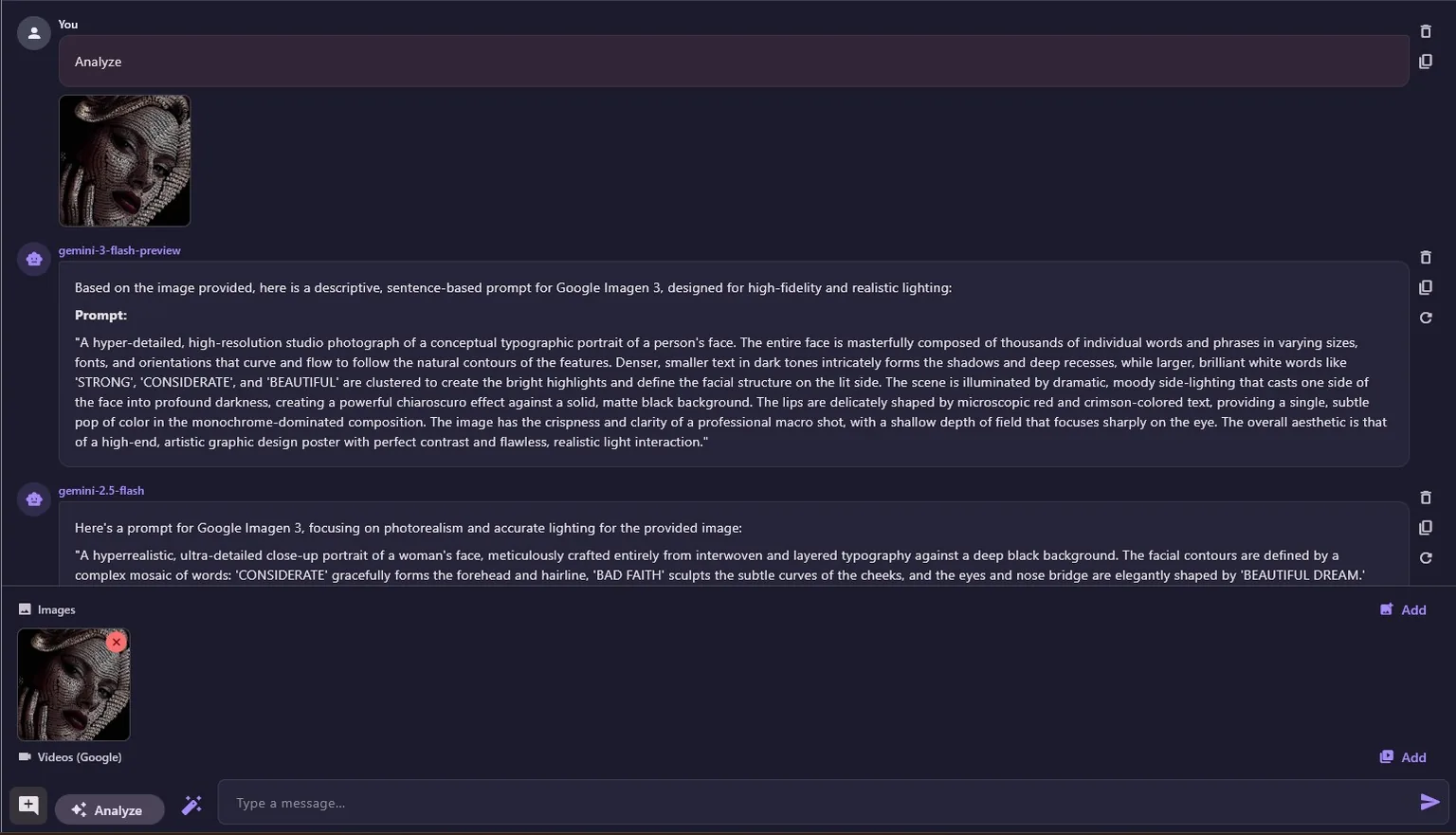
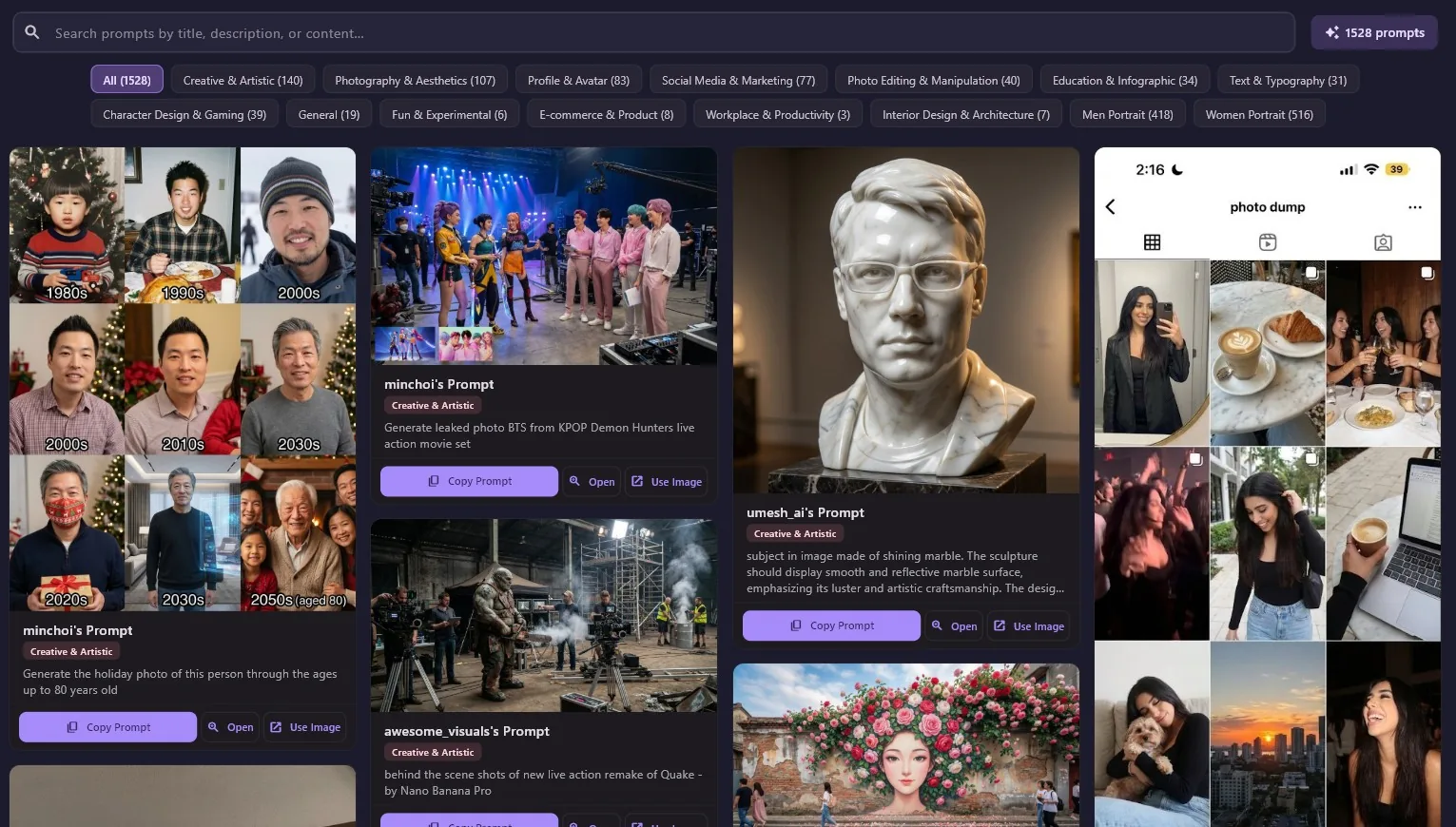
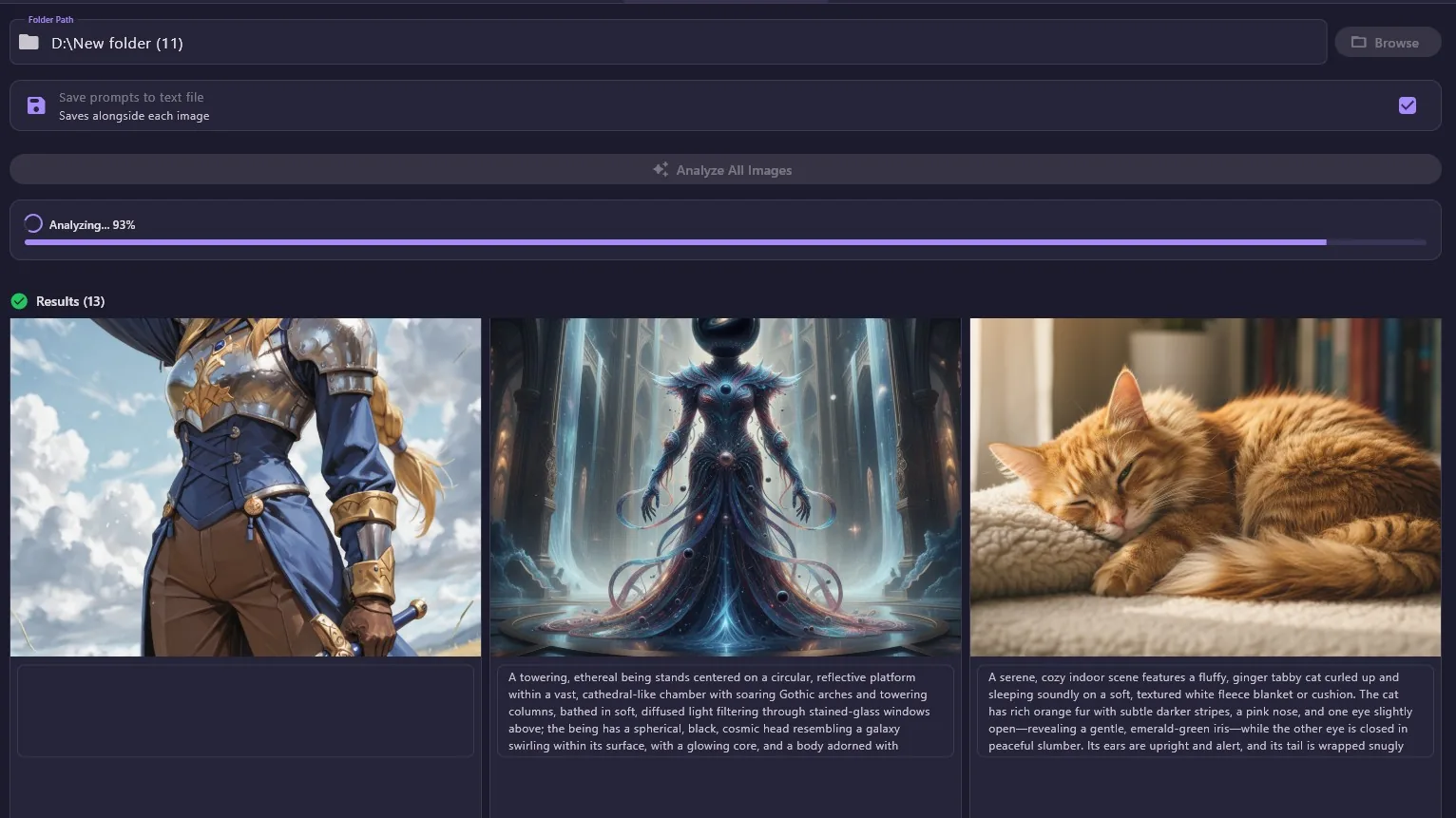
You can begin with the Free provider and explore other providers only when you need them.
Choose the installer or portable package, then launch AI Prompt Assistant.
Select Free for a no-key start, or connect one of your existing local or online providers.
Open Chat, Image Studio, Video Studio, or a prompt tool and follow the clear on-screen controls.
Straight answers about where your data lives and what you may see during installation.
Conversations, settings, libraries, and saved sessions are organized on your computer. When you choose an online provider, only the content needed for that request is sent to that provider.
Windows SmartScreen can warn about apps from an unknown publisher. The manual explains how to verify the download and continue.
View Windows guidanceShort answers to what people ask most. The manual covers every topic in more depth.
Yes. The app is free to download and use, and the built-in Free provider lets you start without any API key. If you later connect a paid provider, you pay that provider directly and nothing to us.
No account is required. Start with the Free provider, then add your own local or online provider whenever you want more models or higher limits.
On your computer, inside a single Documents/ai_prompt_assistant folder. When you use an online provider, only the content needed for that request leaves your machine.
Yes. Windows SmartScreen warns about apps from a publisher it does not recognize yet. The manual shows how to verify the download and continue safely.
Prompt libraries, PromptFill templates, Prompt Builder, and your saved work stay available offline. Generating through an online provider needs a connection, while a local provider can run entirely on your own machine.
AI Prompt Assistant runs on Windows 7, 10, and 11, and both the interface and this documentation are available in English and Arabic.
Download AI Prompt Assistant, start with the free option, and keep the full manual nearby whenever you need help.
Version 1.4.2